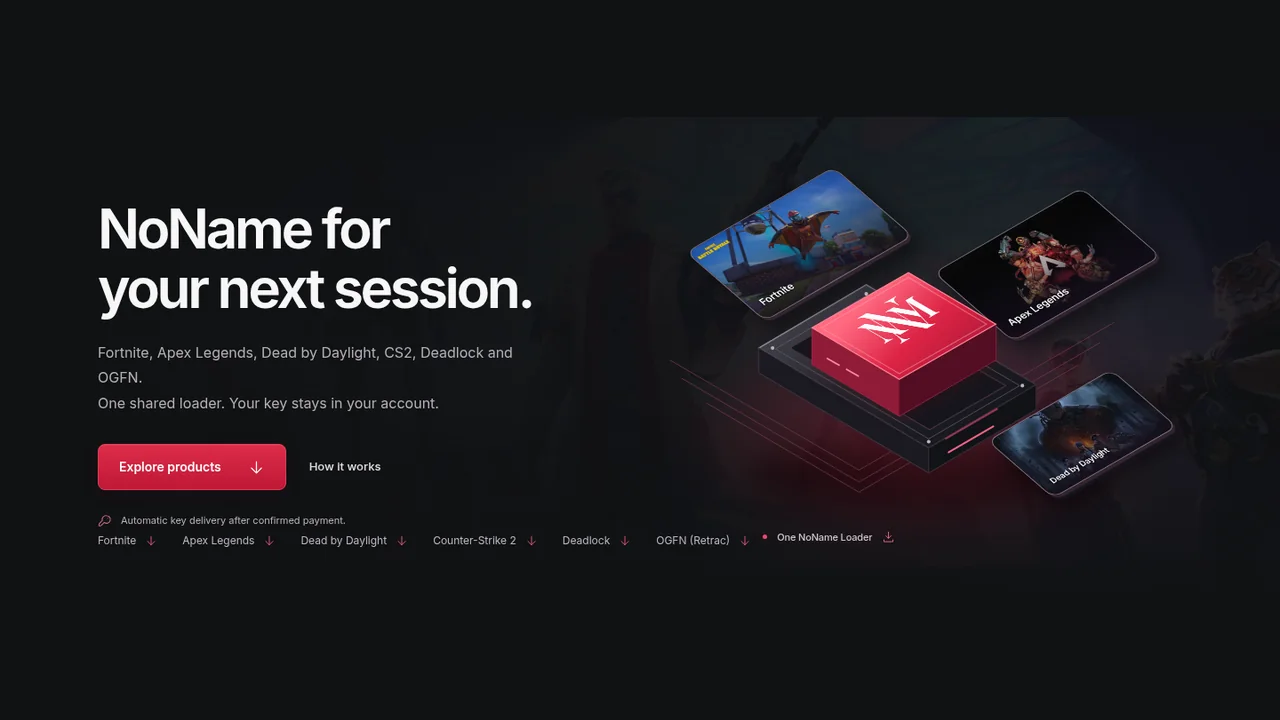
NoName's live catalog covers six game products as of September 25, 2026: Fortnite, Apex Legends, Dead by Daylight, Counter-Strike 2, Deadlock and OGFN Retrac. This article uses supported to mean that a game has an active NoName store category and purchasable licence. It does not promise compatibility with every future game update or computer configuration.
Each game has its own access periods and prices. A plan for one game does not unlock another, even though eligible purchases use the same NoName Loader. Rust, Call of Duty and Rainbow Six Siege guides may appear in the journal, but they do not have live NoName products in the current store and are not included below.
Current NoName games and prices
| Game | 24 hours | 7 days | 31 days | Lifetime |
|---|---|---|---|---|
| Fortnite | £7 | £30 | £80 | £299 |
| Apex Legends | £7 | £25 | Not listed | £230 |
| Dead by Daylight | £7 | £20 | £60 | £200 |
| Counter-Strike 2 | £3 | £10 | £20 | Not listed |
| Deadlock | £3 | £10 | £20 | Not listed |
| OGFN Retrac | £5 | £15 | £25 | Not listed |
Prices are shown in GBP and can change. Use the live NoName store as the final source immediately before checkout. A blank plan in the table means that duration is not listed for that game, not that a buyer should substitute a plan from another category.
Choose the game before the duration
Start with the exact game category, then compare its available periods. Fortnite has four choices, including 31-day and lifetime access. Apex currently has 24-hour, 7-day and lifetime plans but no listed 31-day plan. Dead by Daylight has all four periods. CS2, Deadlock and OGFN each stop at 31 days in the current catalog.
A longer duration changes the access commitment. It does not automatically include more features. Fortnite, CS2, Deadlock and OGFN have detailed live feature lists, while the current Apex and Dead by Daylight categories primarily verify pricing, duration and delivery. Check the native product page or ask support if a specific capability decides the purchase.
One loader serves eligible purchases
The NoName Loader download page is shared across eligible NoName products. Shared means there is one official place to obtain the current loader. It does not merge product licences, turn one key into an all-games pass or add a game that is not attached to the order.
Loader download access is tied to an eligible paid product purchase. Sign in with the website account that owns the order. The download page says an HWID-reset purchase by itself does not grant loader access. For a walkthrough of the relationship between the file and a product key, read NoName Loader vs license key.
Keys stay with the purchasing account
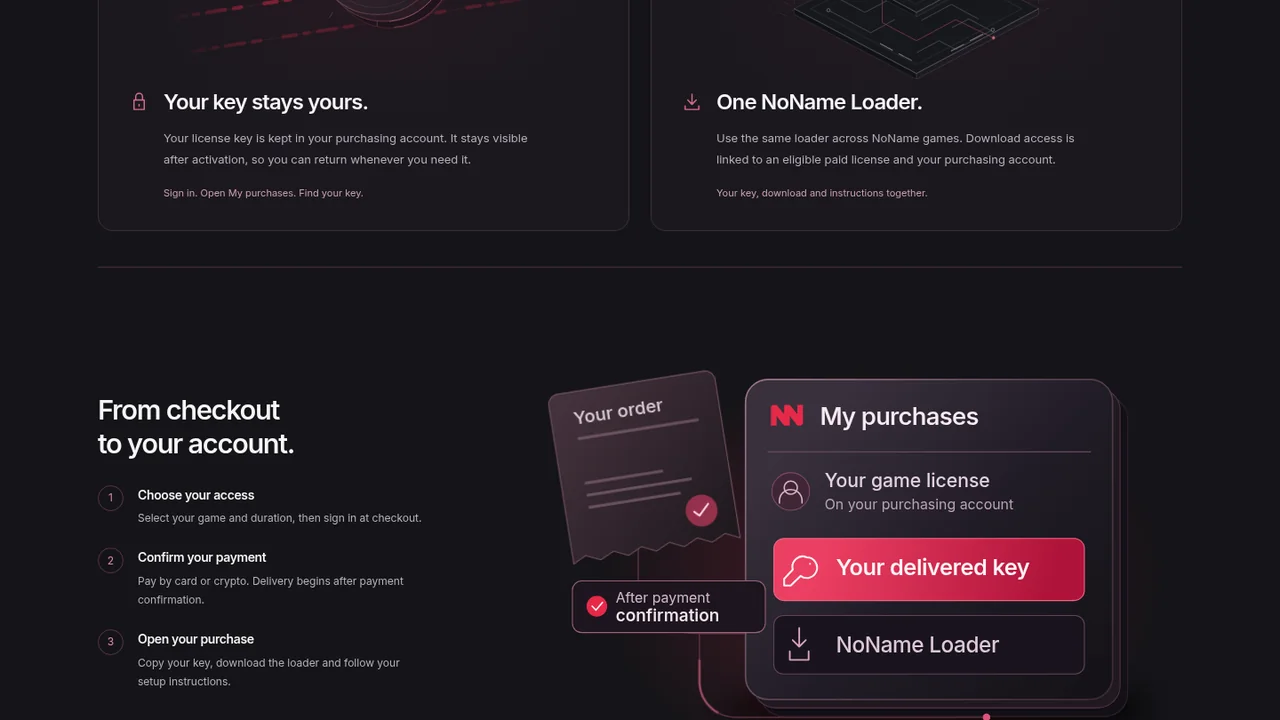
After payment is confirmed, open My purchases and select the product. The licence key, loader link and setup instructions are kept with that purchase record. The loader page says the delivered key remains visible in the purchase details after activation.
Use one account you can return to and keep the key private. If payment is still confirming, do not place another order just to force delivery. The second checkout can create a separate invoice while the original transaction is still pending. The NoName checkout and key delivery guide covers the full sequence.
The £2 HWID reset is a separate service
The current HWID reset product costs £2. It is for an eligible active NoName licence and does not include a new access key. Checkout asks for the exact NoName username and one supported reset target: FN for Fortnite, APX for Apex Legends or DBD for Dead by Daylight.
Do not enter a password or licence key into the username field. A reset changes the hardware association handled by the licence service; it does not reverse a game ban, extend the access period or buy another product. Read the NoName HWID reset guide before purchasing if the difference is unclear.
Use this order of checks before buying
A live product category confirms that NoName sells a licence. It does not guarantee uninterrupted operation, compatibility with every patch or immunity from publisher enforcement. Game updates can change the supported environment, so check the current store and any dated status notice before using limited access.
This matters most around announced platform changes. For example, EA plans to move Apex on PC to Javelin Anticheat on September 29, 2026. The Apex Javelin update guide explains why a pre-update store listing is not a post-update compatibility result.
- Open the live category for the exact game and confirm it is available.
- Verify the required feature or environment on that product's current page.
- Choose only a duration that is actually listed for that game.
- Sign in to the account that should retain the key and loader access.
- Review the final GBP total and payment method at checkout.
- After confirmation, return to My purchases for delivery and instructions.
If any requirement remains undocumented, contact NoName support before paying. That small check is more useful than assuming that a feature guide, another game's listing or the shared loader makes every product equivalent.