A Fortnite HWID reset is useful only for a specific licensing problem. The NoName service resets the hardware binding for one eligible active NoName license. It does not sell another Fortnite license, change an Epic account, remove a game sanction or provide a hardware spoofer. Knowing those boundaries prevents an unnecessary purchase.
As of September 25, 2026, the NoName KEY HWID RESET product costs £2. The checkout information must match the NoName account and game attached to the eligible license.
Use a reset for the NoName license binding
The reset applies when an eligible active NoName license needs its stored hardware binding cleared for the supported workflow. It is a license service tied to an existing purchase. The service does not extend the license duration, pause its clock or turn an expired license into an active one.
For a Fortnite reset, select FN as the game. The same reset product currently lists APX and DBD as other eligible selections, but those labels apply to their own licenses. A Fortnite purchase should not be submitted as Apex because both products use the shared loader.
Do not confuse four different actions
| Action | What it affects | Included in the £2 reset? |
|---|---|---|
| NoName HWID reset | Eligible active NoName license binding | Yes, one reset |
| New Fortnite license | Creates a new period of product access | No |
| Hardware spoofer | A separate product category | No |
| Epic sanction appeal | Epic account or game enforcement | No |
This distinction is especially important after an account action. Epic controls its sanctions and appeal process. Buying a NoName reset does not submit an appeal or change Epic's records. Use Epic's official sanctions and appeals route for an Epic enforcement question.
Enter the exact username and game
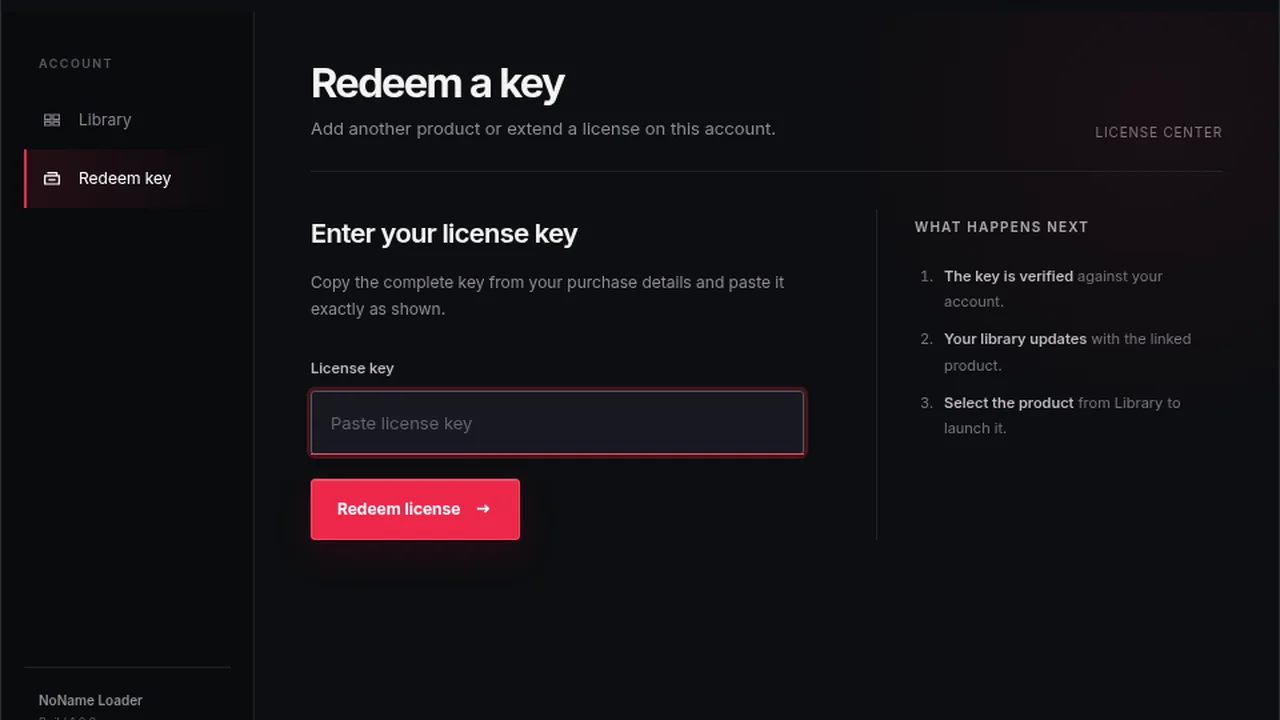
The reset order asks for the NoName username and game. Enter the username exactly as it appears on the account that owns the active license, then choose FN for Fortnite. A display name from another service, an email typo or the name of an Epic account can prevent the order from identifying the intended NoName license.
Do not enter a password or full license key in the username field. The product instructions specifically need the account identifier and game selection. Keeping credentials out of ordinary order fields also reduces the chance that sensitive information appears in an invoice or screenshot.
Confirm that the original license is active
Open My purchases with the account used for the original order. Confirm that the Fortnite license exists and is still active before buying the reset. If the license expired, the reset does not add time. If the purchase is missing, first confirm that you signed in with the original purchasing account.
The existing key remains the same license credential unless the product instructions explicitly state otherwise. A reset does not issue a replacement key. For the relationship between the key, loader and account, read the NoName loader versus license key guide.
Know what happens after checkout
The reset is designed as an automatic post-purchase action using the submitted username and game. Keep the order number until the result is confirmed. If the details were entered incorrectly or the eligible license cannot be identified, contact NoName support with that order number and the correct NoName username. Do not post the full key publicly.
One reset should correspond to one intended eligible license. If an account has more than one NoName product, confirm the game selection instead of assuming the order will choose automatically. Save the receipt until the correct Fortnite license is usable again.
After the reset completes, return to the official NoName Loader through the eligible account and follow the current product instructions. The reset itself is not another download. Avoid files offered in messages that claim to be a reset utility.
Buy a game plan when access has expired
If the real problem is an expired or missing Fortnite license, use the NoName Fortnite category. The current plans are £7 for 24 hours, £30 for 7 days, £80 for 31 days and £299 for lifetime access. The Fortnite license guide explains activation and delivery.
A quick pre-purchase check prevents most reset mistakes: active NoName license, correct purchasing account, exact NoName username and FN selected. If all four are true and the issue is the license's hardware binding, the £2 reset is the matching service.