Three things can appear in a NoName setup conversation: the loader, a license key and the account used to buy the product. They serve different purposes. Understanding the relationship avoids common mix-ups such as buying another key when the real issue is being signed into the wrong account.
The loader is the file you download
The NoName Loader is the shared download for Fortnite, Apex Legends, Dead by Daylight, CS2, Deadlock and OGFN (Retrac). Having a common file gives the lineup a consistent place to start. It also means a new game purchase does not imply that you should look for an unrelated download page or a file sent by a stranger.
Access to that page’s downloadable file is connected to an eligible paid game purchase. A guest account, a different purchasing account or a standalone HWID-reset order does not establish the same entitlement. Public visibility of a file page and permission to download its file are separate matters.
The key belongs to a particular license
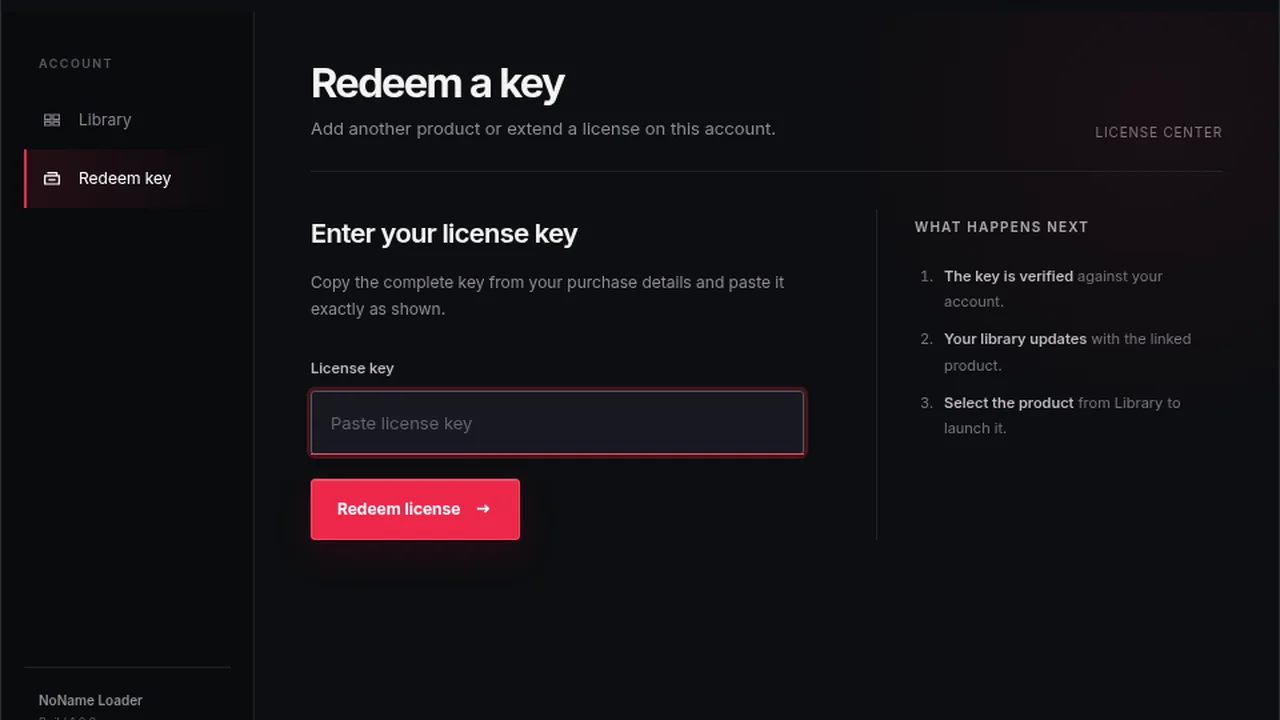
A key is the private value delivered for the license you purchased. Treat it as sensitive account information. Its existence establishes a licensing record; it does not by itself describe the software’s gameplay features, supported devices or detection status.
For example, the same shared loader can be available to two customers while their licenses have different game names and access periods. The shared file is not evidence that both customers bought the same product. The purchase record supplies that context.
Your account is the place to retrieve both
Use My purchases to return to the Fortnite order. After confirmed payment and delivery, its license section holds the key and the product instructions point you towards the shared loader. The key remains visible after activation; using it does not remove it from the purchase page.
This is useful when returning after a break. You do not need to reconstruct an old conversation or search for a pasted key in a public channel. Start with the order in the account that made the purchase, then follow the links attached to it.
Match the symptom to the right item
| What you see | What to inspect first |
|---|---|
| The file page is visible but the download is unavailable. | The signed-in account and its eligible purchase. |
| A paid purchase has no key yet. | Delivery status for that order number. |
| You cannot find an old key. | The original product in My purchases. |
| You want a different game or duration. | The corresponding native product listing. |
This table is about the NoName purchase experience. It is not a recommendation to modify a game, bypass a restriction or alter operating-system security. File access and software compatibility need to be diagnosed in their own contexts.
Keep activation separate from downloading
A timed Fortnite key starts its continuous duration at first activation. Merely downloading the loader is not that event. It is therefore possible to have the download and the delivered key ready before beginning the license period.
If you need help, share the game, order number and a description of the missing stage with NoName support. Keep the full key private. The goal is to identify the relevant purchase or download permission, not to circulate a credential.
For new access, use the NoName Fortnite listing. For an existing order, return to the purchase account first. Those two routes address different needs and prevent unnecessary duplicate purchases.