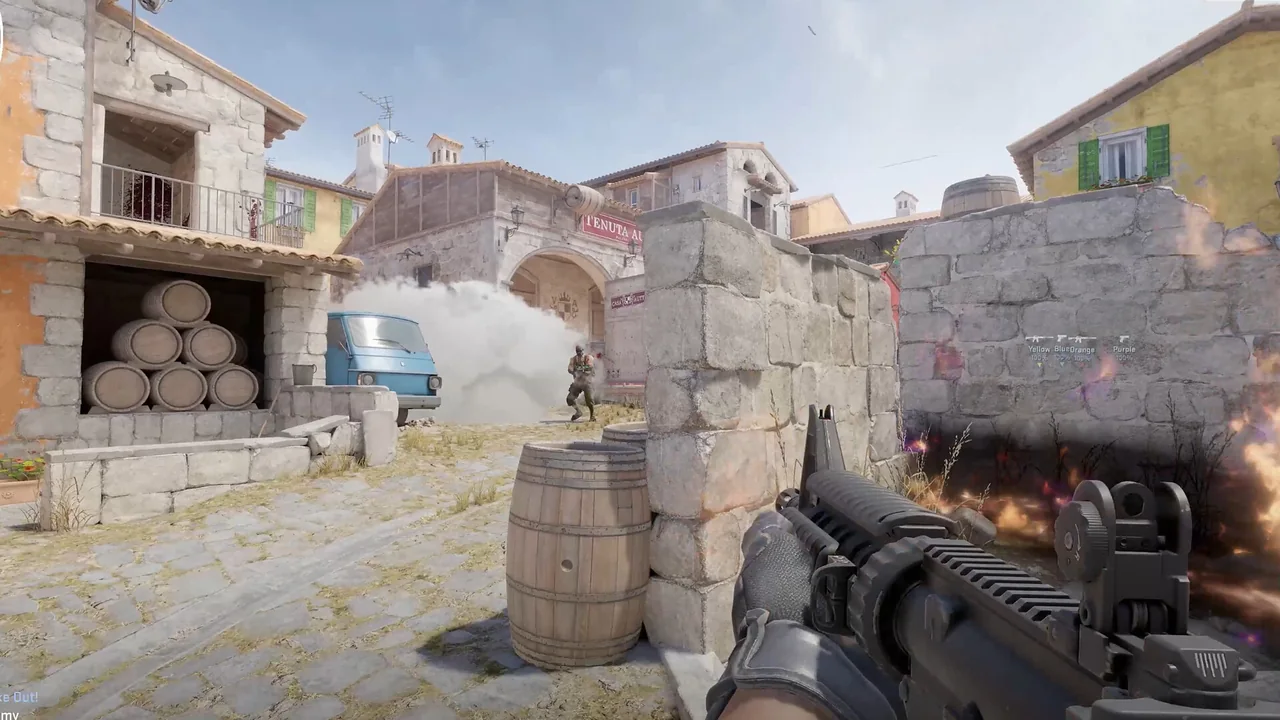
CS2 ESP can become unreadable when every label is enabled at the same time. NoName separates player geometry, identity, status, world items and radar controls. That separation matters because a box answers a different question from a weapon label, while a health bar has a different job from bomb information.
The strongest layout begins with a visual hierarchy. Put the most time-sensitive information closest to the player marker, move context such as distance or weapon to a secondary line, and use the radar for broader positioning. Max distance then controls how far the visual layer reaches.
Choose a player shape and status layer
NoName lists box, filled box, skeleton and head options. These are alternative or complementary ways to mark a player. A simple box gives a clear boundary, a skeleton exposes pose, and a head marker emphasizes the upper target area. Filled boxes add more visual weight, so they should be balanced against the scene behind them.
Names, weapon and distance add identity and context. Health can appear as text or a bar, with a separate armor bar. Flags, snaplines and crosshair controls add further cues. Build from the minimum set needed for the current role before adding extra labels.
| Area | Current listing |
|---|---|
| Visuals | Box, filled box, skeleton, head |
| Visuals | Names, weapon, distance |
| Visuals | Health text / bar, armor bar |
| Visuals | Dropped weapons, grenades, bomb / C4 |
| Visuals | Spectators window |
| Radar | Range, size |
Separate player ESP from world information
Dropped weapons and grenades belong to the world-item layer. Bomb and C4 information belongs to the objective layer. Keeping those groups visually distinct prevents a floor weapon from competing with an urgent objective marker. A max-distance limit can reduce distant labels that are not useful in the current part of the map.
Spotted visibility and show-teammates are separate listing options. Team display is useful only when it supports the chosen layout. If friendly markers obscure enemy information, reduce the number of friendly labels or use a shorter distance rather than removing every other visual cue.
Use radar and spectators for wider context
The radar has enabled, range and size controls. Range decides how much surrounding space is represented, while size changes the physical footprint of the widget. A large range inside a tiny widget can compress information, so tune these values together instead of assuming more range always provides more clarity.
The spectators window serves a different purpose by showing spectator information in its own area. Keep it away from the radar, bomb timer and weapon HUD. A stable corner layout makes each widget easier to scan and leaves the center of the screen for player visuals and the crosshair.
Continue with the right NoName guide
For the next part of the setup, read the chams and glow guide, the HUD and bomb timer guide. Each page covers one group of controls so you can compare settings without turning every option on at once.
Current plans and the final feature list remain on the NoName CS2 store page. Check that listing before purchase because game updates and product availability can change.