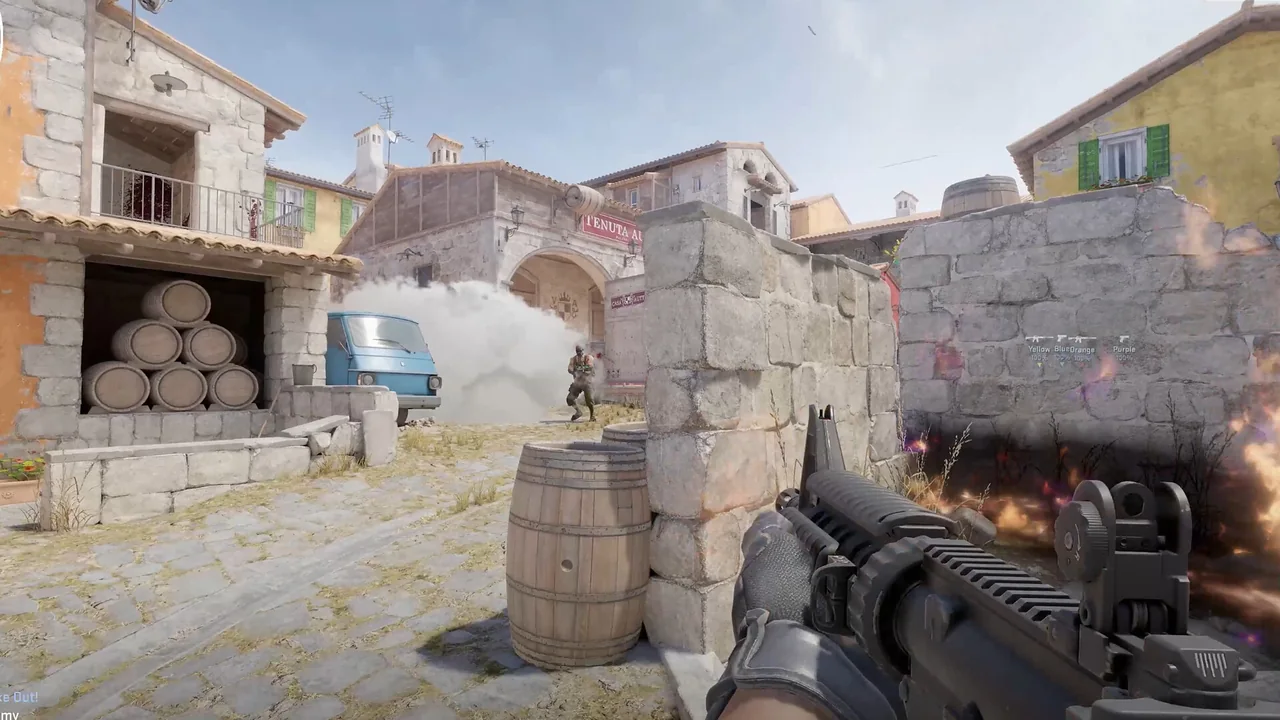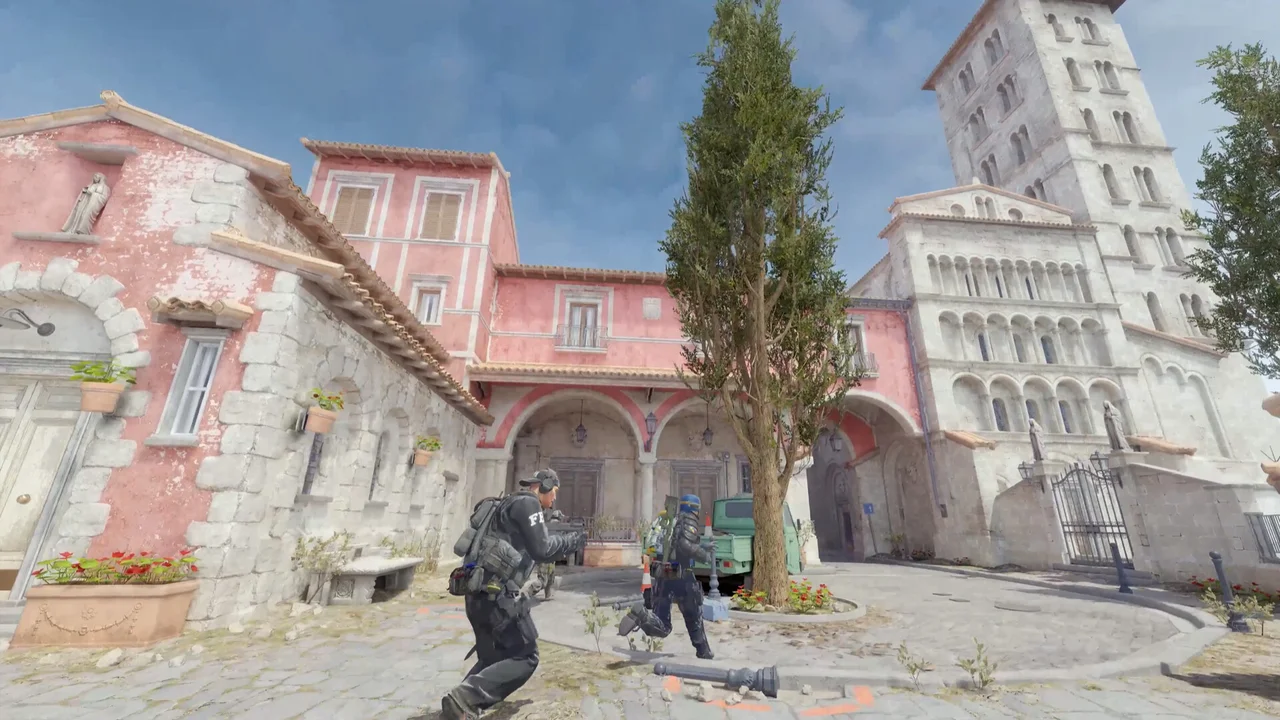
A useful CS2 aimbot setup starts with a small group of controls that answer different questions. FOV decides which targets can enter consideration, a bone choice defines the intended point, smoothing changes how mouse movement is applied, and a visibility check filters targets by line of sight. NoName exposes those controls separately, so the result can be tuned instead of treated as one master switch.
Silent aim and recoil control also belong to different parts of the configuration. Silent aim is listed as an aim mode, while RCS has separate X and Y values. Keeping them separate makes it easier to understand which setting caused a change and to return to a known baseline.
Build the target selection first
Begin with a restrained FOV and one bone such as chest, head, neck or pelvis. A smaller field narrows the number of possible targets near the crosshair. The bone selector then gives the system a consistent point to use. Change one of these controls at a time so a wider FOV is not mistaken for a smoothing problem.
Vischeck can be used when the configuration should account for visibility. The listing also includes aim at team, which is a separate toggle and should be reviewed deliberately. The FOV circle provides an on-screen reference for the selected area, while the 360 FOV option represents a much broader target search and should not be confused with an ordinary visible circle.
| Area | Current listing |
|---|---|
| Aimbot | Enabled, silent aim |
| Aimbot | Mouse smoothing, FOV |
| Aimbot | Humanize + amount |
| Aimbot | Vischeck, aim at team |
| Aimbot | RCS + X / Y |
| Aimbot | Bone: chest / head / neck / pelvis |
Understand smoothing and humanize controls
Mouse smoothing affects the path between the current crosshair position and the selected point. Humanize and its amount are additional controls, not a promise that every configuration will look or feel the same. Their effect depends on the chosen FOV, bone, aim key and the movement taking place in the match.
A practical tuning order is FOV, bone, visibility, smoothing, then humanize amount. This order keeps the target rules stable before movement style is adjusted. Dual aim keys allow two activation choices, and controller LT provides a listed controller trigger for the aiming feature.
Treat RCS as its own pass
NoName lists RCS with independent X and Y values. Horizontal and vertical compensation should therefore be evaluated separately. If both values are changed alongside smoothing and FOV, it becomes difficult to identify whether crosshair movement came from target tracking or recoil compensation.
Use the weapon HUD and keybind widget as references while testing settings. They help confirm which configuration and activation controls are in use, but they do not replace a stable baseline. Save the more unusual options, including spinbot and its speed control, for a separate profile review rather than mixing them into basic RCS tuning.
Continue with the right NoName guide
For the next part of the setup, read the triggerbot and controller guide, the CS2 ESP and radar guide. Each page covers one group of controls so you can compare settings without turning every option on at once.
Current plans and the final feature list remain on the NoName CS2 store page. Check that listing before purchase because game updates and product availability can change.