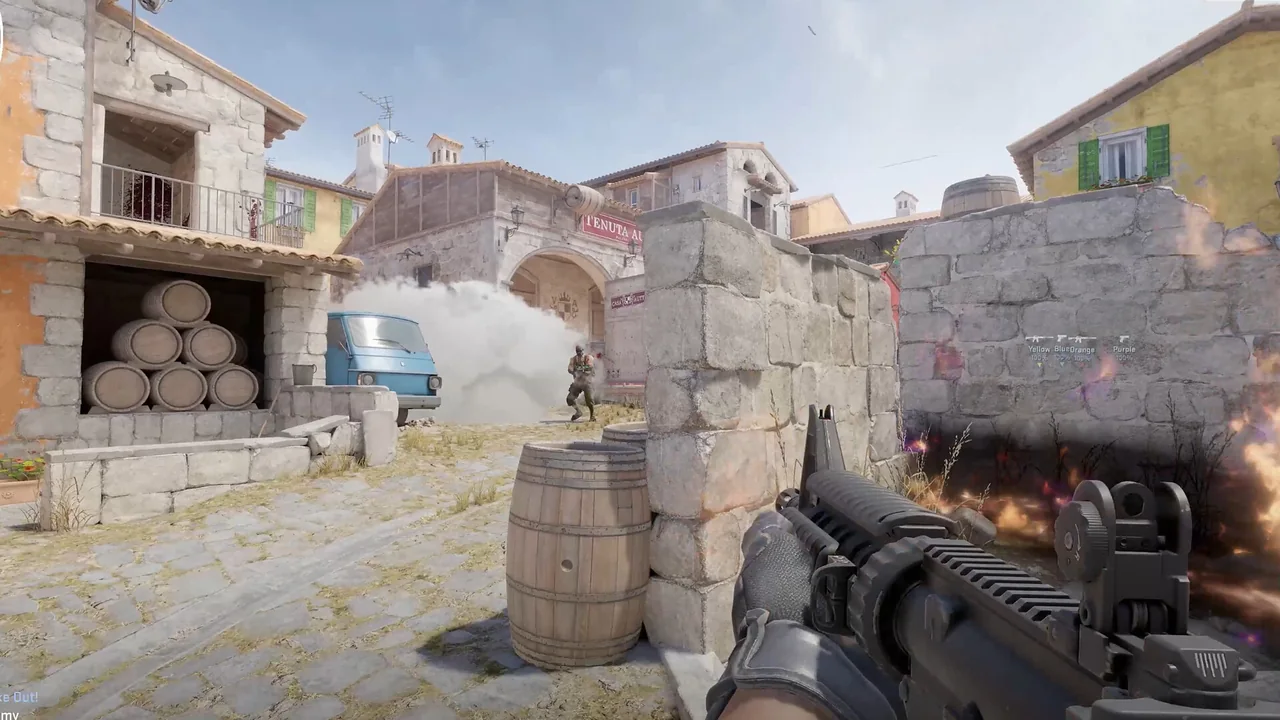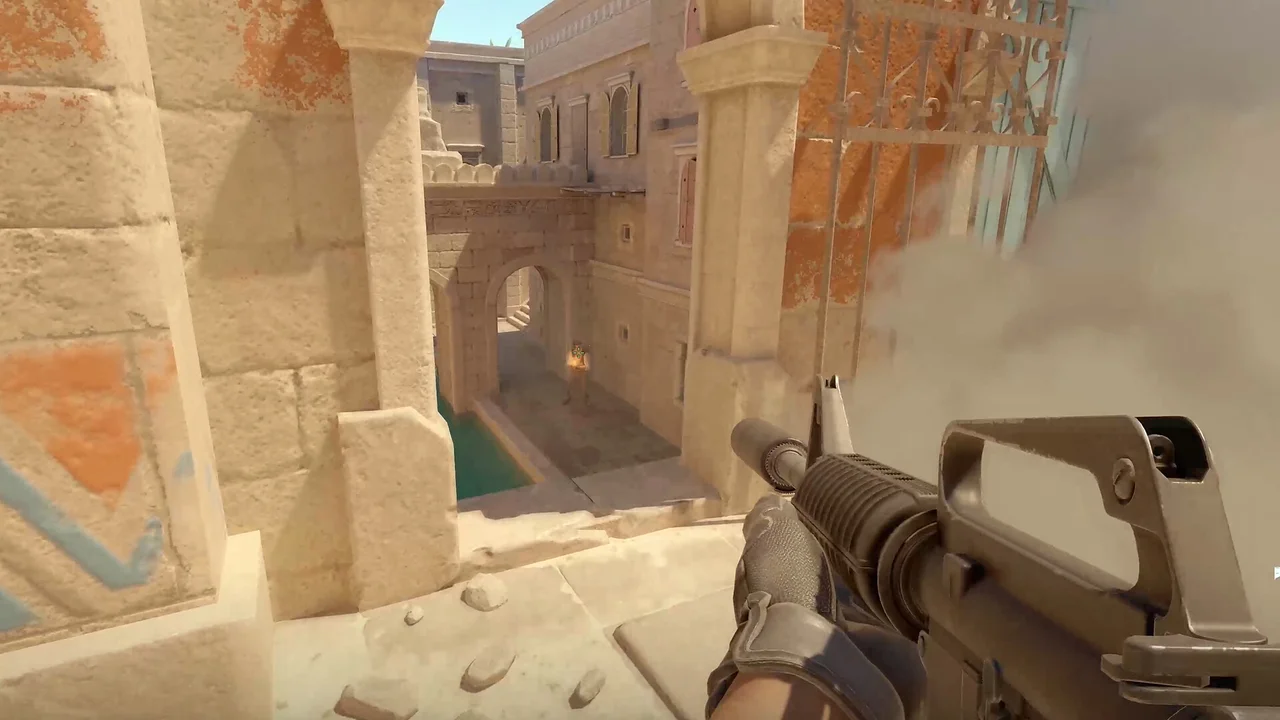
Chams, glow and box ESP all make players easier to identify, but they use different visual languages. A box draws around a target, glow emphasizes an outline or aura, and chams changes how the player model is rendered. NoName CS2 lists these as separate controls, along with XQZ, fullbright, intensity and visible or wall colors.
A clean configuration gives each layer one job. If chams already communicates visibility through color, a second color-heavy glow may add noise. If a skeleton is important for pose, a solid filled box may cover too much of the model. The best combination is the one that remains readable during movement.
Start with chams visibility colors
NoName provides chams visible and wall colors. Use clearly different hues with similar brightness so the meaning comes from color rather than one state simply disappearing. Test the colors against both bright and dark map surfaces before adding fullbright or an intensity change.
XQZ appears in the same chams group. Keep its setting documented with the chosen colors. When a visual result changes after an update, this record makes it possible to compare the active mode instead of guessing which renderer option was used.
| Area | Current listing |
|---|---|
| Misc | Glow |
| Misc | Chams, XQZ, fullbright, intensity |
| Misc | Chams vis / wall colors |
| Visuals | Box, filled box, skeleton, head |
| Visuals | Max distance |
Add glow only when it adds information
Glow can make the outer shape of a model easier to pick out. It is most useful when the chams fill and the surrounding map share similar values. If the model is already clear, extra glow may blur edges or compete with head and skeleton markers.
Review glow at the same max distance used for other player visuals. A setting that looks controlled nearby can produce a crowded background when many distant players are included. Distance, team display and spotted visibility all affect how many highlighted forms can appear at once.
Tune fullbright and intensity last
Fullbright and intensity affect the overall strength of the chams presentation. Adjust them after the visible and wall colors are chosen. Otherwise a later brightness change can make an earlier color decision look wrong and cause unnecessary backtracking.
Pair the result with one structural cue such as a box, skeleton or head marker. Names, weapon and health can remain text-based. This division keeps model rendering focused on location while labels carry identity and status.
Continue with the right NoName guide
For the next part of the setup, read the full player ESP and radar guide, the CS2 miscellaneous features guide. Each page covers one group of controls so you can compare settings without turning every option on at once.
Current plans and the final feature list remain on the NoName CS2 store page. Check that listing before purchase because game updates and product availability can change.