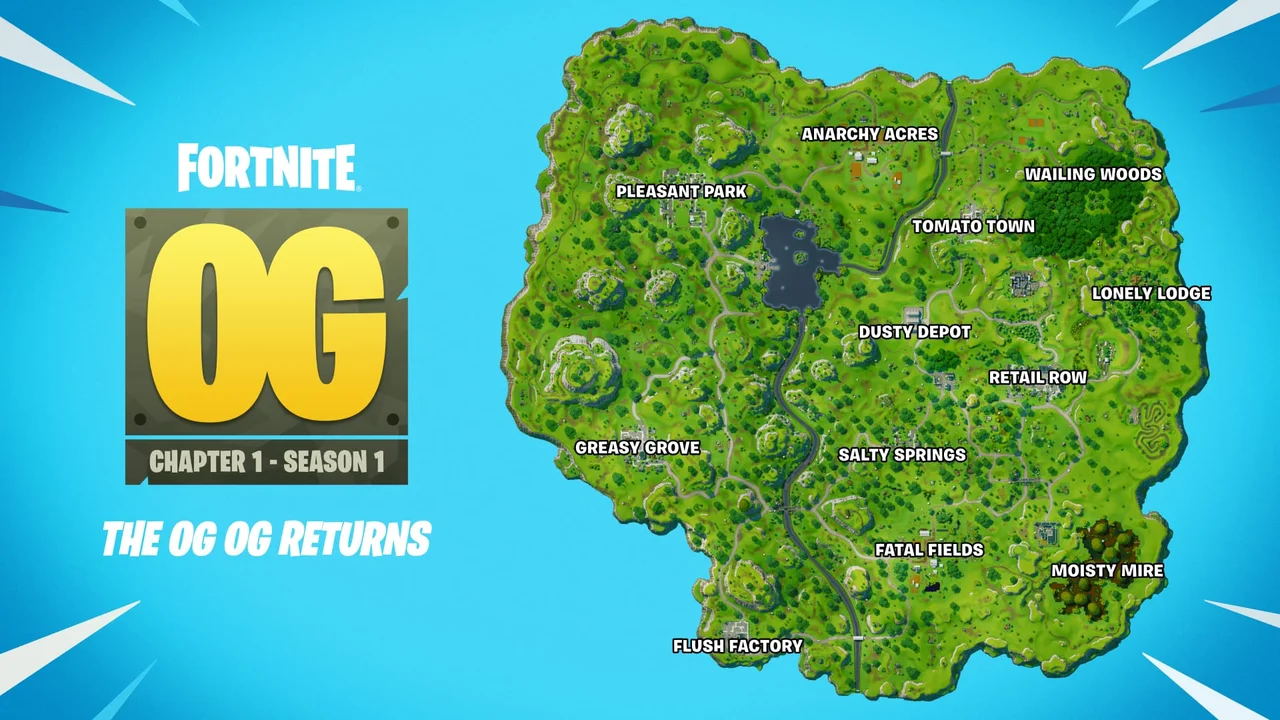
OGFN loot ESP has to distinguish player information from world resources. NoName Retrac lists player boxes, skeletons, head markers, names, held weapon, ammo and platform. The floor-loot layer adds weapons, chests, ammo boxes, llamas, supply drops and vehicles, with controls for opened chests and minimum rarity.
A useful layout assigns different visual weight to those groups. Players and immediate threats should remain clear. Nearby loot can use smaller labels. Distant or low-rarity items can be filtered so the classic map stays readable.
Build the player layer first
Choose a box, skeleton or head marker as the main shape. Add names, held weapon, ammo or platform only when the information supports a decision. Snaplines and crosshair are separate guides, while chams changes the model presentation.
Set max distance before enabling the full loot list. A distance that works for players may still show too many world items. If the menu applies one shared value, use minimum rarity and chest-state filters to control the remaining density.
| Area | Current listing |
|---|---|
| Visuals | Box, skeleton, head |
| Visuals | Names, held weapon, ammo, platform |
| Visuals | Snaplines, crosshair, chams |
| Visuals | Floor loot: weapons, chests, ammo boxes, llamas, supply drops, vehicles |
| Visuals | Hide opened chests, min rarity |
| Visuals | Max distance |
Group floor loot by purpose
Weapons and ammo boxes support loadout decisions. Chests, llamas and supply drops represent loot sources. Vehicles support movement. Giving each group a consistent color or label style makes the scene easier to scan than treating every object as the same category.
The floor-loot list explicitly covers weapons, chests, ammo boxes, llamas, supply drops and vehicles. Do not assume an unlisted object is included. Use the current product page as the boundary for what the Retrac product claims.
Use the two filters to reduce clutter
Hide opened chests removes chest markers that no longer represent unopened loot. Minimum rarity reduces weapon labels below the selected threshold. These filters solve different problems and can be used together.
After filtering, review snaplines and player chams again. A bright loot palette can compete with visibility cues on players. Reserve the strongest contrast for the most important layer and keep map objects readable without turning every point of interest into a dominant marker.
Continue with the right NoName guide
For the next part of the setup, read the visible and hidden radar guide, the movement and revive feature guide. Each page covers one group of controls so you can compare settings without turning every option on at once.
Current plans and the final feature list remain on the NoName OGFN (Retrac) store page. Check that listing before purchase because game updates and product availability can change.