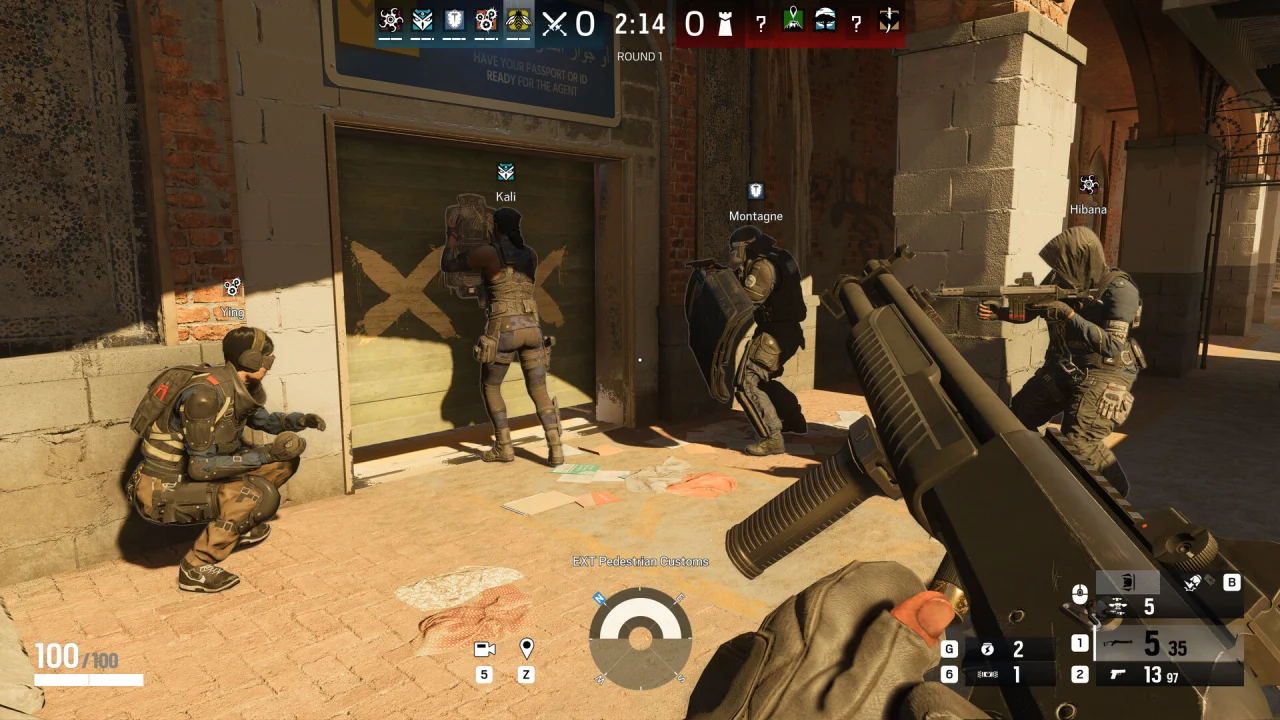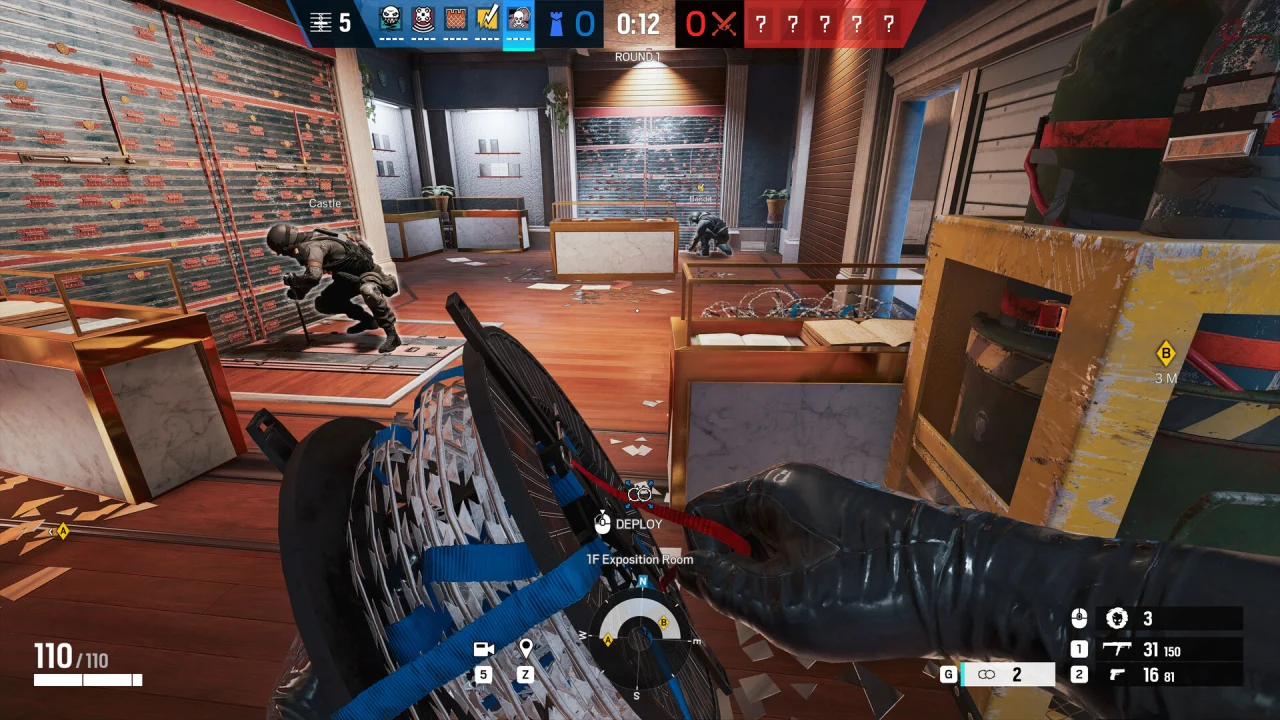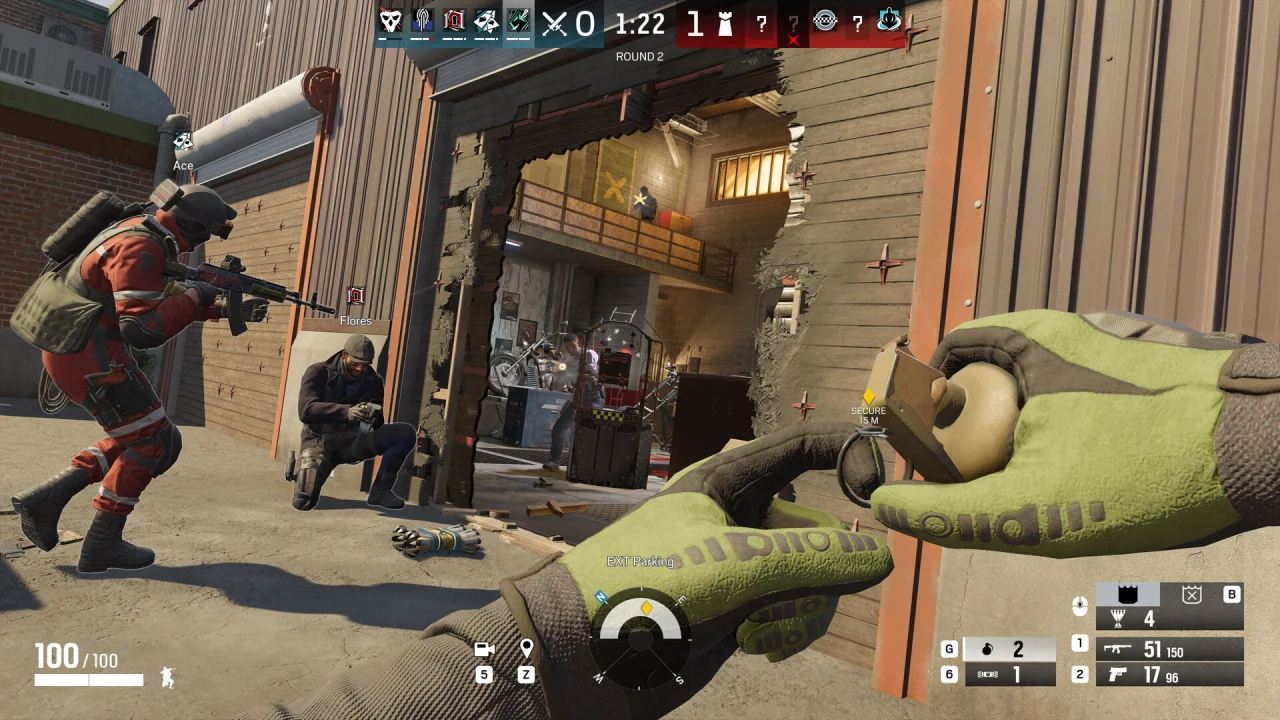
A Rainbow Six Siege article on the NoName website can explain software categories without announcing a product. That distinction matters if you arrived expecting a price or a download. NoName R6 Unlock All is available in the store as a 7-day license for £30 or a 2-month license for £50. This page explains how to confirm that offer before you buy.
What the current NoName catalog contains
The current product catalog lists Fortnite, Apex Legends, Dead by Daylight, CS2, Deadlock, OGFN (Retrac) and R6 Unlock All. A Siege article is not itself a purchase page. Use the named R6 Unlock All plans in the store.
The native catalog is the appropriate reference because it connects a named offer to its current purchase terms. A blog archive has a different job: it organizes explanations. Confusing those two page types can lead a reader to infer availability from a game logo or article headline, even when neither page actually makes that offer.
How to recognize the scope of a plan
| Plan detail | What it should identify | Why it matters |
|---|---|---|
| Game | The exact product being purchased | A license for another game is not interchangeable |
| Duration | The stated access term | A term does not describe software features |
| Platform scope | The supported environment, if documented | A game title alone is incomplete |
| Delivery | Where the buyer receives access | A download link and a license are different |
| Feature description | The functions actually claimed | Article terminology is not a specification |
The R6 Unlock All plans are £30 for 7 days and £50 for 2 months. Each plan is a one-time purchase. After payment is confirmed, the license key is delivered to My purchases.
The shared loader is not an all-games pass
The official NoName Loader listing provides a common download destination for eligible purchases of the listed games. A shared application does not establish a shared entitlement to every game mentioned on the website. The purchase record still identifies what the customer actually bought.
For supported NoName purchases, payment confirmation precedes automatic key delivery. The delivered key stays visible in My purchases after activation, and the customer signs in with the purchasing account to access the eligible download. For R6 Unlock All, those same steps apply: confirmed payment, then the key in My purchases, then the shared NoName Loader.
The same distinction applies to the separate HWID reset service. It concerns the hardware link of an eligible existing NoName license. It is not a new game product, a subscription extension or a mechanism for changing a Siege account’s enforcement status.
What the R6 Unlock All listing should spell out
The current R6 Unlock All listing already names the game, the functions, the access term and the purchase page. A useful listing identifies the supported environment and the functions it actually claims, states the term, and sends the buyer to that product. A countdown or an article title does not do that job. The R6 Unlock All guide reads the live list in one place.
Ubisoft’s Player Protection Core Rules addresses unfair software and hardware advantages. A third-party product description still has to stay separate from publisher permission. Using Siege branding does not create that permission.
The verified offer is the R6 Unlock All category in the store. Buying a different game’s plan does not include R6 Unlock All.
Where the Siege articles can still help
If your question is about terminology, use the specific comparison that matches it: Cronus and XIM input devices, ESP versus native intel, or recoil-script claims. Those pages explain categories other than R6 Unlock All. For the product itself, start with the R6 Unlock All guide, the operator prices, or the 7-day and 2-month plans.
For a purchase decision, return to the named product in the store. That keeps the game, term and account record aligned.