An opponent outline, a name above a character and a dot on a small map can all be advertised as ways to reveal information. Yet they are not the same interface, and the word radar tells you surprisingly little about where its information comes from.
When reading about NoName Apex, separate three questions: what information is claimed, how it is displayed, and whether that claim is actually documented for the product. That approach is more useful than assuming that every feature commonly discussed in the software category belongs to every product in it.
Information and presentation are different layers
| Term | Usual meaning in software discussions | Missing detail to clarify |
|---|---|---|
| ESP | Additional information associated with players or objects. | Exactly which information and under what conditions. |
| Radar | A map-like or directional presentation of positions. | Whether positions are current, estimated or delayed. |
| Outline or box | A visual marker around something in a scene. | What the marker identifies and when it is shown. |
| Wallhack | A claim of information beyond ordinary visibility. | The actual scope, rather than a suggestive screenshot. |
These are broad editorial definitions, not a NoName specification. A product might use one label loosely or combine several displays. Read the described behaviour instead of treating the label as a complete technical standard.
Native information can resemble an extra overlay
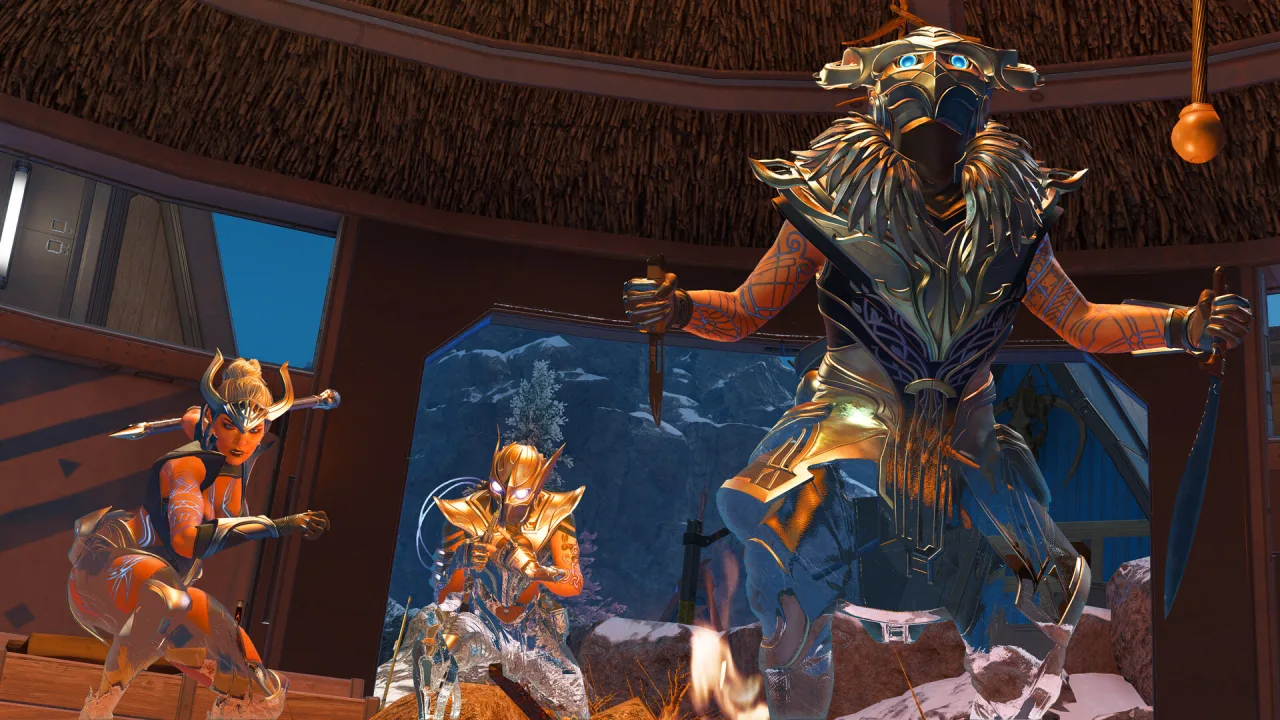
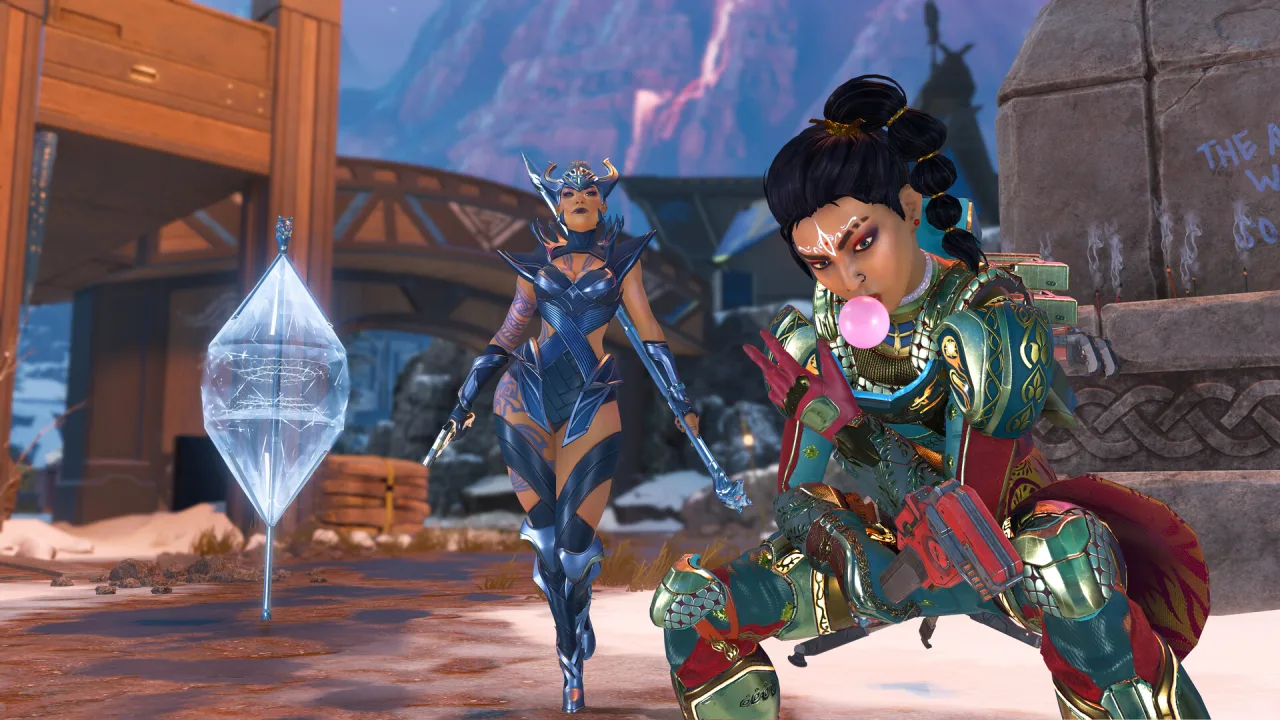
Apex already includes information-gathering abilities. For example, EA's ability guide describes Bloodhound's tactical as briefly revealing hidden enemies and other information. Seeing an opponent highlighted in a clip therefore does not establish that third-party software produced the highlight.
The useful context is what happened immediately before the display appeared. Was a game ability active? Is the clip from ordinary play or a different viewing mode? Does it identify the source of each marker? A still image can omit the very event that explains the information.
More markers do not automatically mean more useful information
An information display has practical tradeoffs even before considering whether a particular product supports it. A crowded view can make important items harder to distinguish. A compact map may communicate direction while hiding vertical separation. A label that updates late can look precise while describing an earlier situation.
Consider a hypothetical screenshot with three markers on different floors of a building. If the display does not explain height, it may be difficult to tell whether the markers refer to the same route. That is an interface-reading problem; adding more labels is not automatically its solution.
This is why an honest comparison should discuss the meaning of the display, not just its visual density. Claims such as “full information” need a defined boundary. They should not be translated into an assumption of perfect awareness.
How to read a NoName feature description
The verified NoName Apex product pages establish available licence durations, automatic delivery after confirmed payment, and purchase-account access to the key. They do not currently provide a verified ESP, radar or wallhack specification in the material reviewed for this article.
If information features determine your buying decision, request a current description for the exact Apex product. Ask whether a displayed example is illustrative or captured from that product, what each visible element means, and what environment the description covers. These are specification questions, not requests for configuration or bypass instructions.
Choose the product, not the vocabulary
EA prohibits wallhacks and similar cheats that provide an unfair advantage. A more neutral-sounding interface label does not change the underlying behaviour or establish publisher permission.
Once the product description answers your questions, compare the actual NoName access periods on the native store page. Eligible purchases include the shared loader download, and the delivered key remains in the purchasing account. Neither benefit is evidence that an unlisted information feature is included.
For an existing order, identify the product and the unclear feature when contacting support. Do not publish your licence key in a screenshot of an overlay or purchase page. That keeps the conversation focused on what needs explaining without exposing access information.